Last Updated: 02/10/23
This is a question we get asked a lot: “How do I get HIPAA-compliant email for my private practice?” or “Is Gmail HIPAA-compliant?” So today, we’ll answer those very questions!
Is Gmail HIPAA-compliant?
Nope. Regular Gmail is not HIPAA-compliant.
BUT, if you get a paid Google Workspace account there is a simple way to make it HIPAA-compliant!
What’s the difference between Gmail and Google Workspace?
Simply put, Gmail is the free version of Google email, and Google Workspace is the paid version.
How do I know which one I have?
If you have an email that ends in “@gmail.com” then you have a Gmail account.
If your email ends in your domain name (e.g. @mywebsite.com) and you pay for your account through Google, it’s Google Workspace.
BUT, just because you have a Google Workspace account, does not automatically make it HIPAA-compliant!
How do I make Google Workspace HIPAA-compliant?
Here is a 1-minute video tutorial, or if you prefer, I have the steps written out below!
Here are the steps written out for you:
Get a Google Workspace account. You can do this through your Squarespace website by logging in at www.squarespace.com and then going to Settings → Google Workspace and following the prompts. It's free for the first year.
If you aren’t using Squarespace, you do need a custom domain name to set it up. Once you have that, you can go directly through Google and sign up.Sign into your Google Workspace admin console by going to: admin.google.com.
*Make sure you login with your Google Workspace email address, not your regular Gmail.Once logged in, click on “Account” on the left-hand menu (it has an icon of a person).
Then click “Account Settings.”
Scroll down a bit to where it says “Legal & Compliance” and toggle it open by clicking the little downward arrow on the right.
Scroll alllll the way to the bottom, and you’ll see a section called “Security & Privacy Additional Terms.”
When you hover over that section, you’ll see a little pencil show up on the right, click that little pencil to edit the settings.
Under where it says “Google Workspace/Cloud Identity HIPAA Business Associate Amendment,” click the button that says “Review and Accept.”
They will ask you to answer a couple of questions so just follow those prompts then you’ll be all set!
Are Google Forms HIPAA-compliant?
Yes, if you sign your BAA for Google Workspace then all of the products under that account, including Google Forms, will now be HIPAA-compliant too!
Read our article Squarespace Forms Are Not HIPAA-Compliant. Here’s What to Do Instead for more about using forms on your Squarespace website.
What to do once you set it up your HIPAA-compliant Google Workspace account
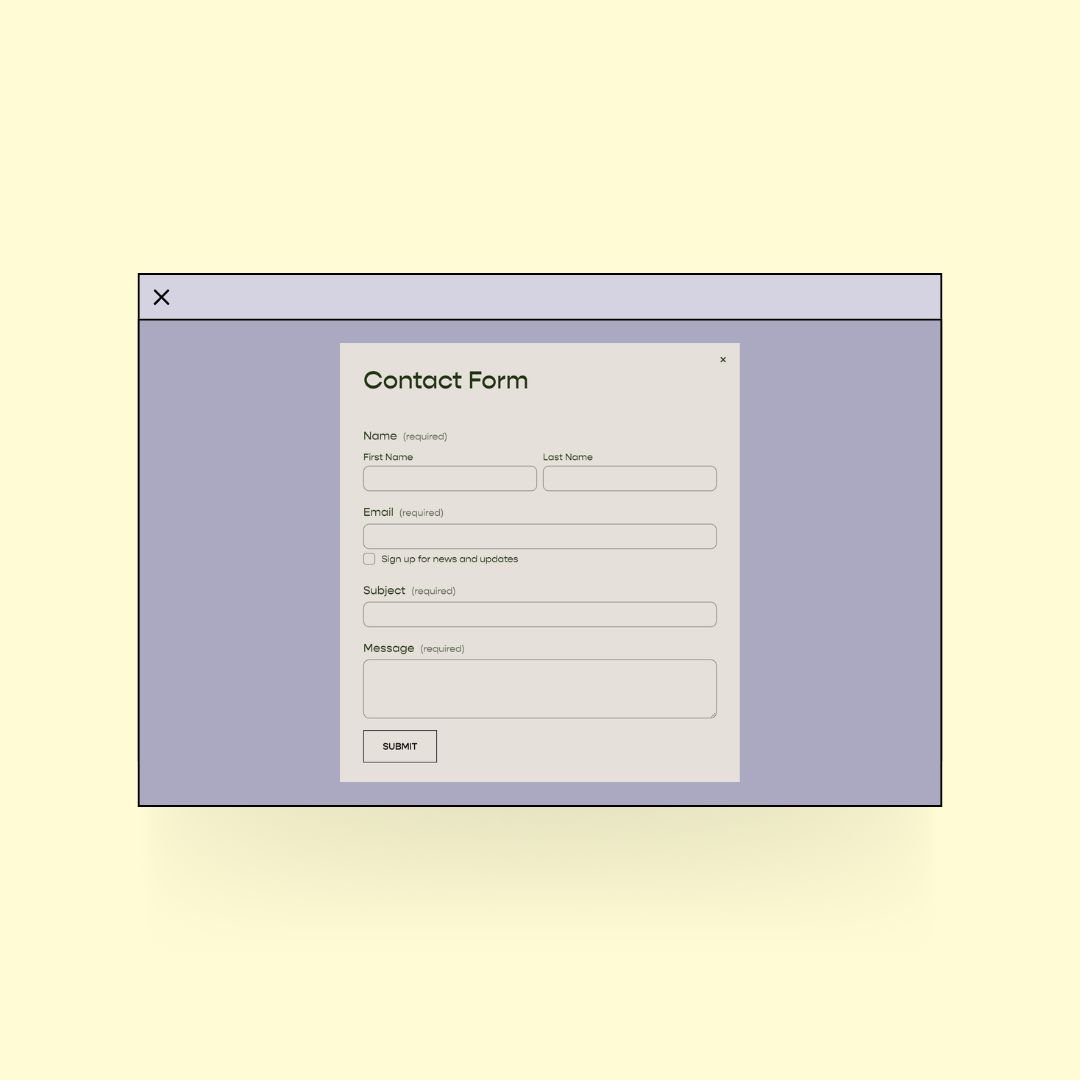
Use this new email address on your website forms so that when people inquire from your website it will go right to that secure inbox.
Forward all your other email accounts to this one so that you only have to check one (and you don’t have to go through the hassle of telling all your contacts that your email has changed).
If you’d like, you can now also use all the other Google Workspace products and they will be HIPAA compliant too! So things like Google Forms, Google Sheets, and Google Docs. I know of some therapists who actually just use this for their practice management system!