Real Examples of Therapist Websites Using Templates
Looking for some inspiration for your private practice website?
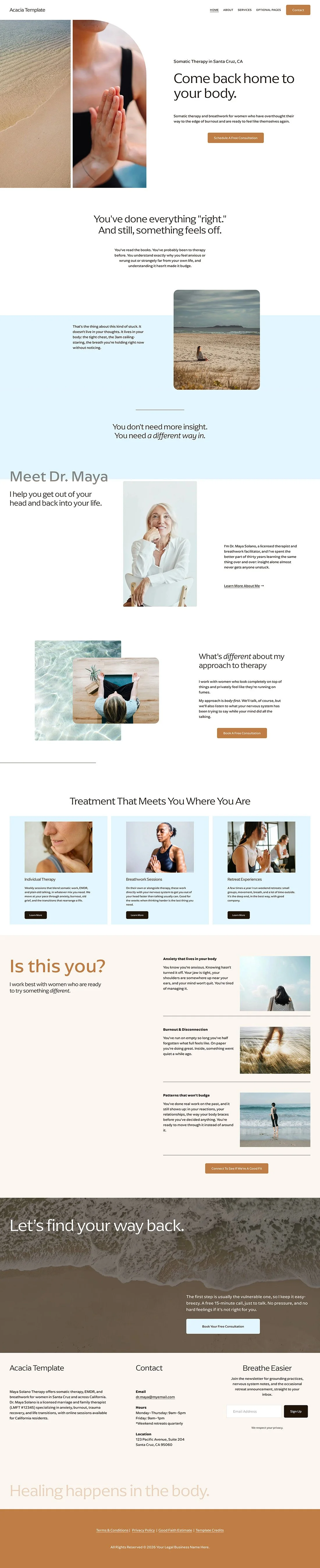
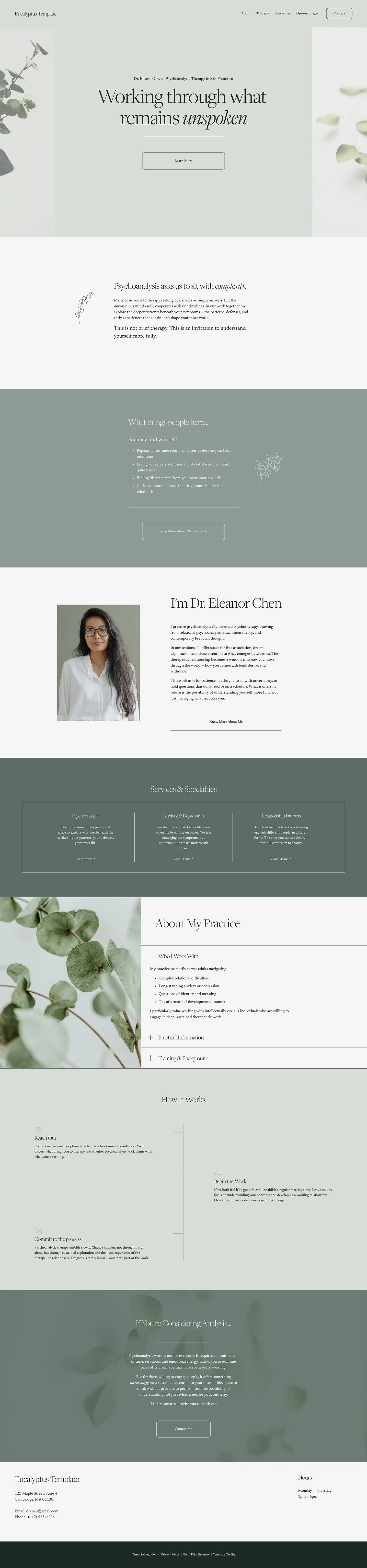
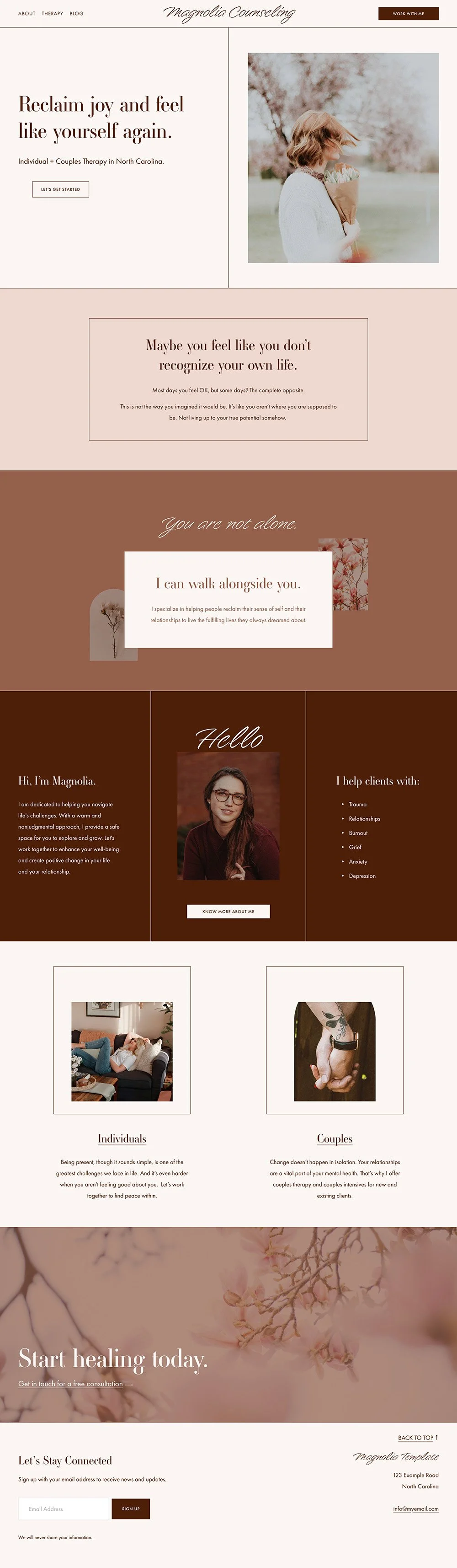
Today I want to show you how real therapists have created stunning websites with no professional help using Squarespace website templates for therapists.
That’s right. These therapists were able to create their sites all on their own.
If you’ve ever sat with a website builder like Squarespace, and struggled to create something even remotely close to what you envisioned then you might be surprised by what you see here.
But I’ll let you in on their secret: It’s website templates!
BTW, If you’re thinking about your own website, don’t miss my free Therapist Website Prep Kit to help you get organized and ready before you begin!
Website Example #1 Kraft Psychotherapy
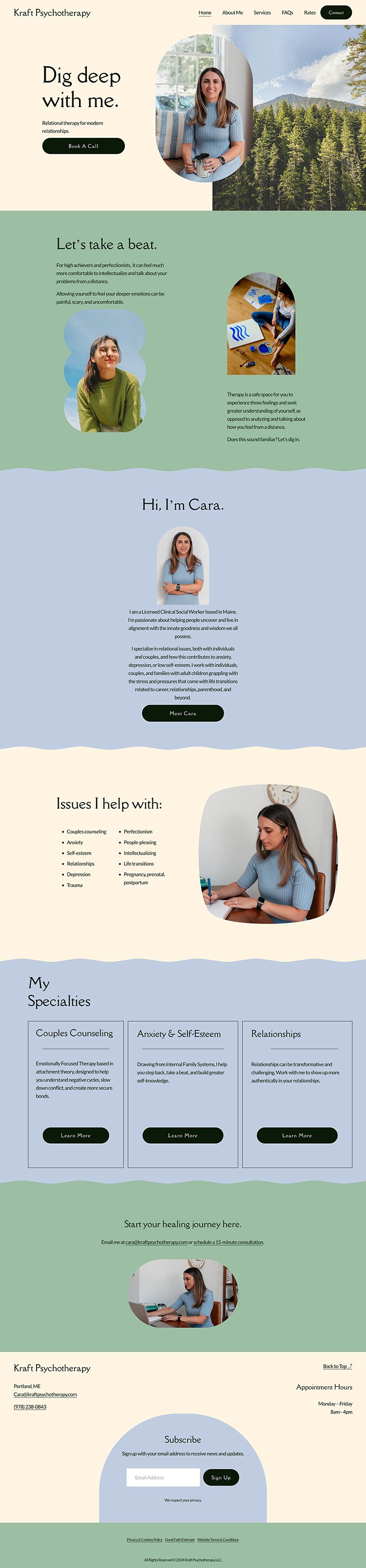
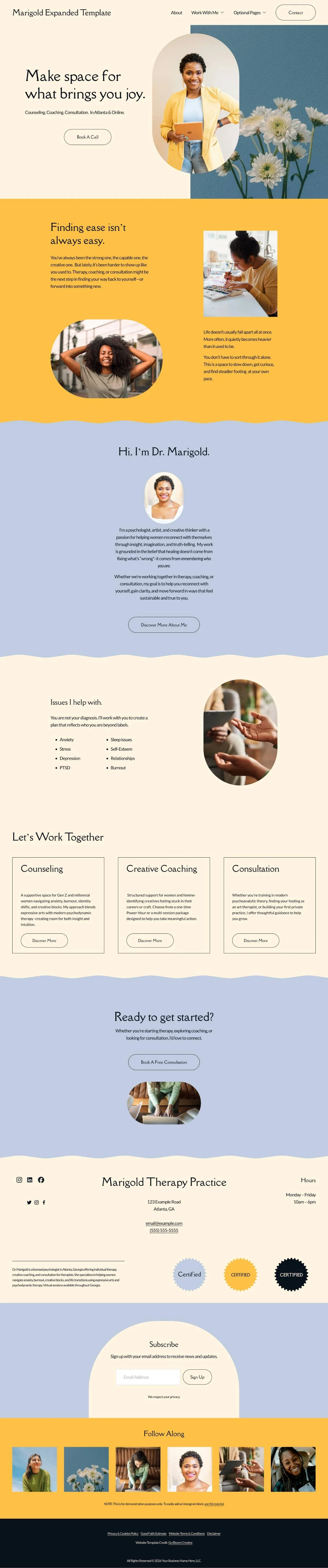
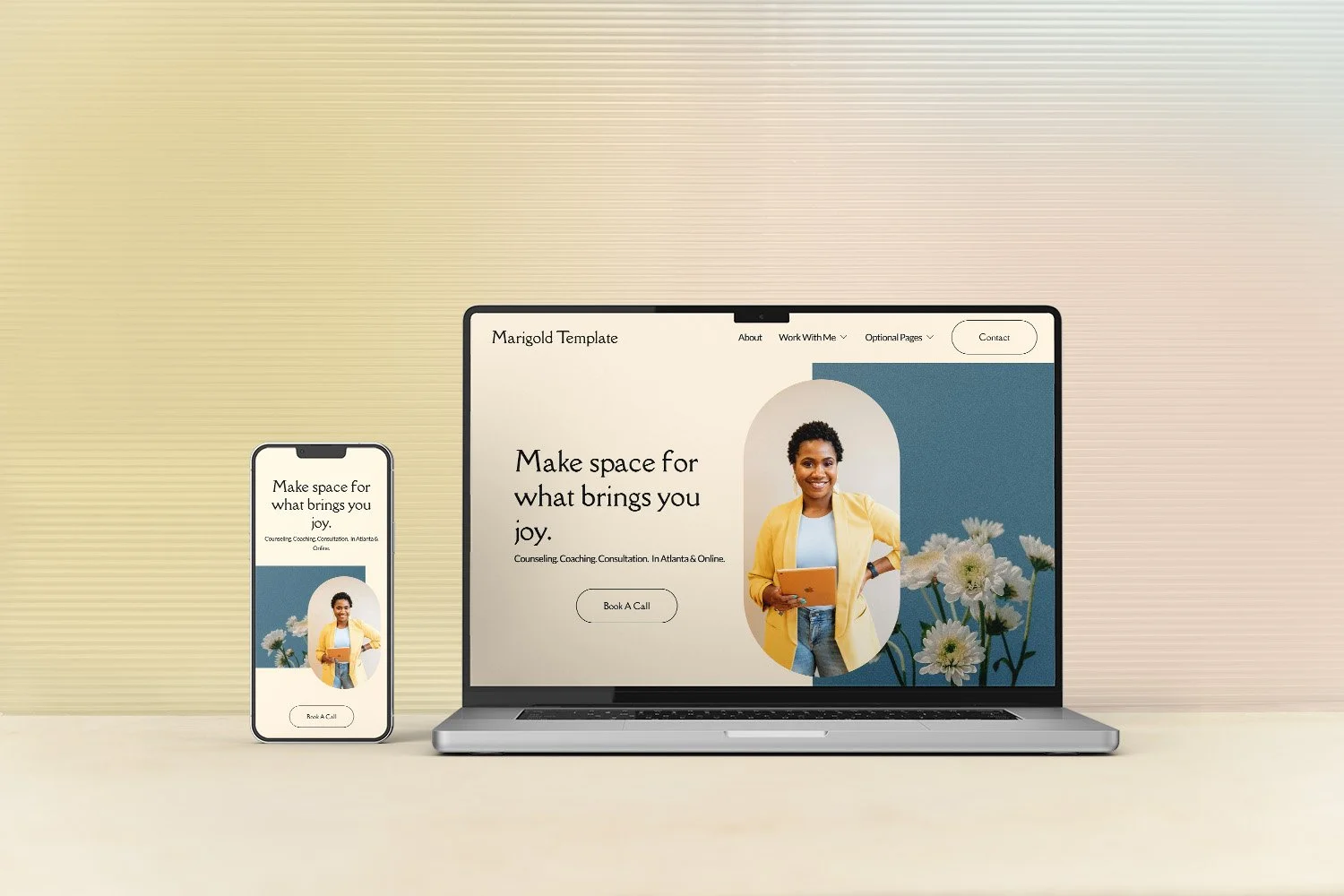
Cara made this website (without any prior design experience) using The Marigold Template.
She used the writing template to help her create concise, focused content that flows well and aligns with her practice (and she replaced the demo content that came with the template).
She switched the colors to better align with her style.
She had professional photos taken so that she could use those to infuse more of a personal touch rather than relying heavily on stock photos.
She followed the tutorials that come with the template to easily add additional pages to suit the needs of her practice.
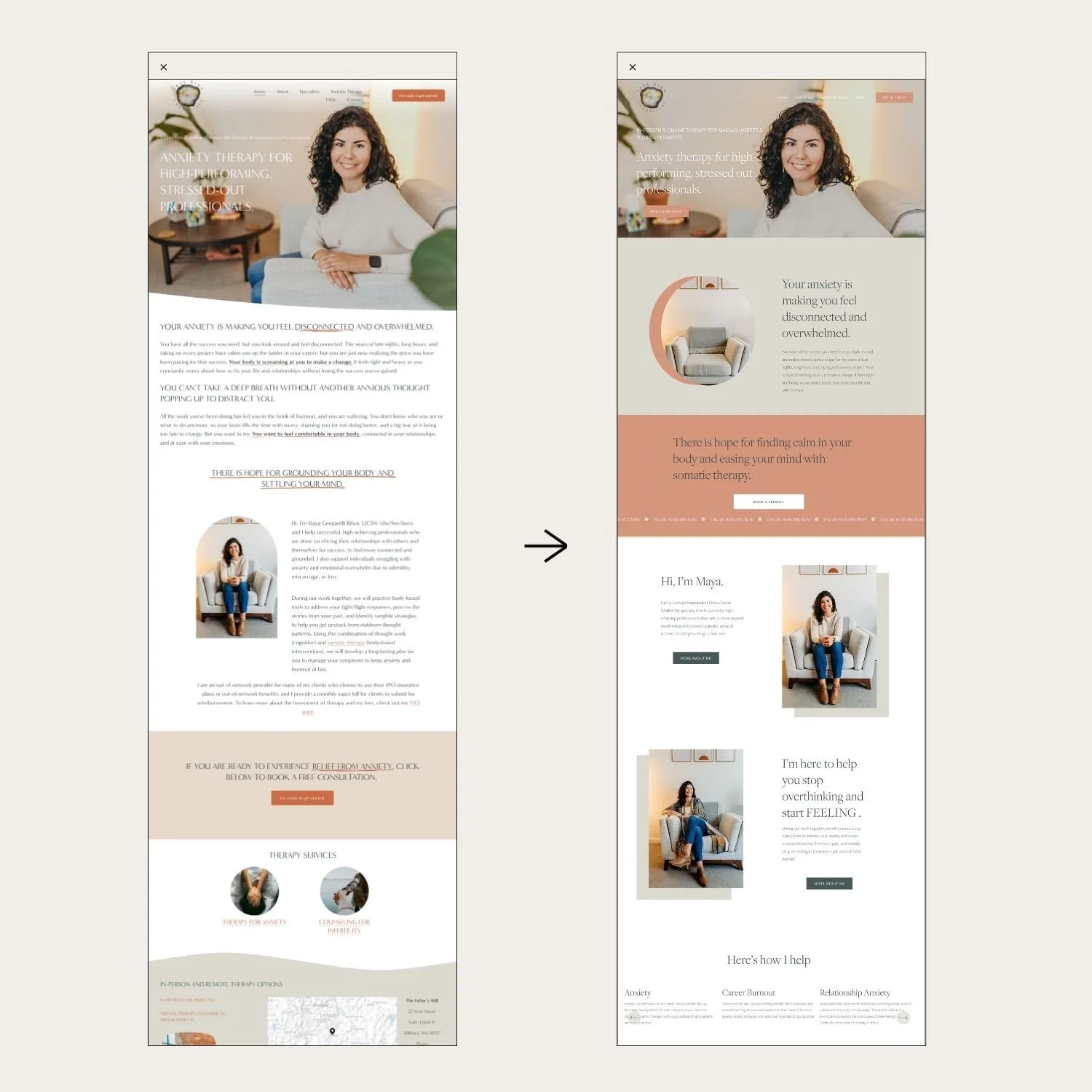
See the transformation from the template (left) and her site (right):
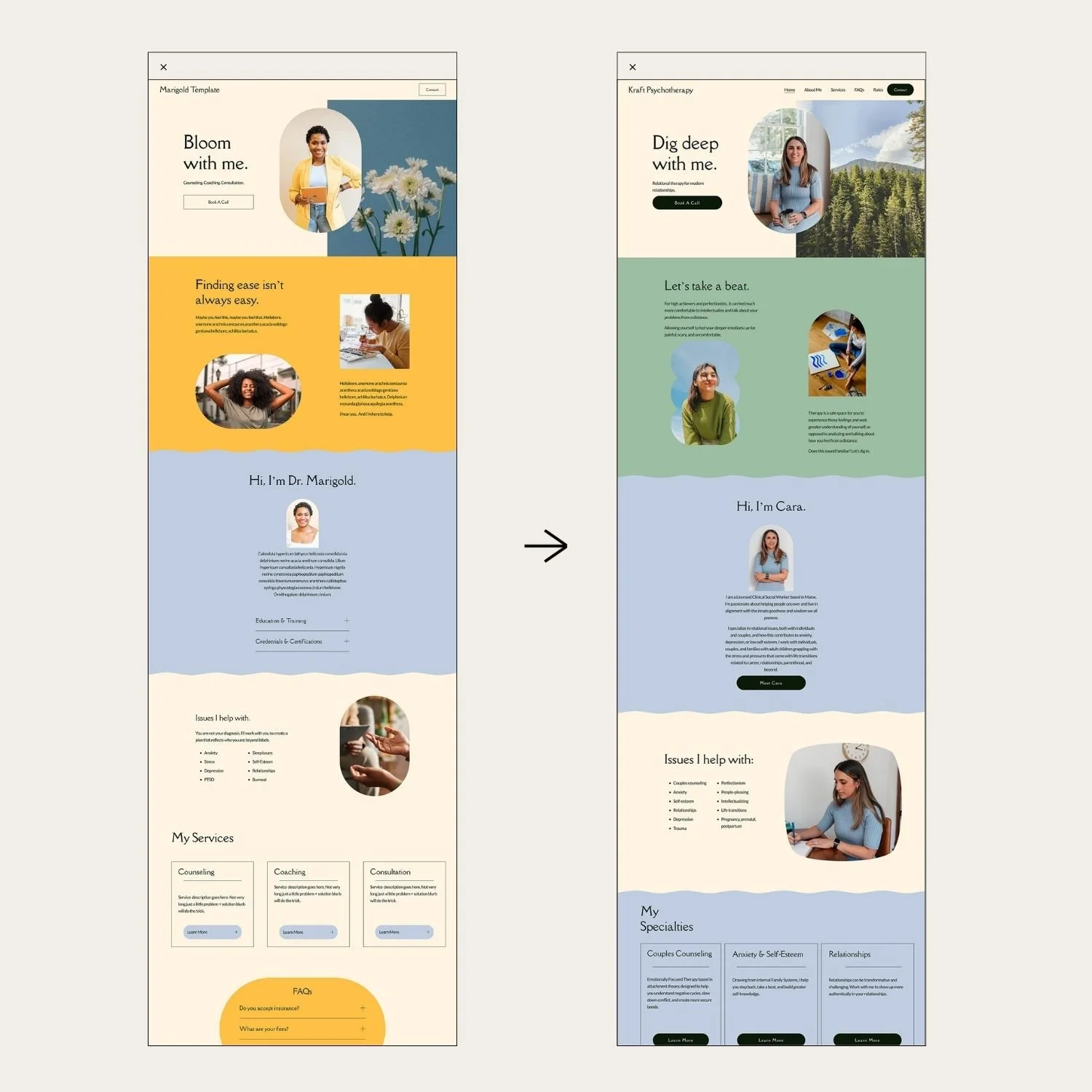
Cara’s real experience using this website template:
“I wanted a website that would help me develop a "brand" for myself, but also didn't have a lot of time to invest in doing it on my own. The template was super easy to use and setup with no background in website design. Using a template is such a timesaver and allows you to use your time investing in clients and building your practice vs. the nitty gritty of website design.”
-Cara Kraft, Kraft Psychotherapy
Website Example #2 Jazmin Alarcon Therapy

Jazmin made this website using The Lilac Template.
She used the writing template as a jumping off point for her content, but she was able to adjust the template to put the content in the order that suits her.
She switched her color palette which is simple to do in Squarespace with just a couple of clicks.
She swapped in her own professional photos and supplemented with some stock photos that paired well with her color scheme and brand feel.
She followed the tutorials that come with the template to switch the order of the sections, make tweaks to the original layout, add new sections, and add more pages.
See the transformation from the template (left) and her site (right):


Christina used The Marigold Template + a Live Support Session.
She updated the colors and fonts to reflect her brand vibe.
She swapped in her own photos and added a photo of her office to give it a personal touch. She also used stock photos to connect more with her client base. And she used some of the photos from the original template (which you totally can do!)
She followed the tutorials that come with the template to modify the image shapes, add alternate layouts and add additional text.
She booked the Live Support session to help with applying a final layer of polish to the site. We made adjustments so that the text to image ratio looked more balanced, removed some elements that she didn’t need and did some SEO optimization.
Christina’s real experience using this website template and working with me in Live Support:
“Melissa's resources and support are WONDERFUL and put my mind at ease. I started with a website template and…booked a session with Melissa and it was SO SO helpful in gaining a little more clarity and adding the necessary polish to the site. Now I feel far more confident in maintaining the site myself.”
–Christina Desrochers, LMHC
Inspired to build your private practice website with a template?
Explore our Premium Squarespace Website Templates
Need help with your Squarespace website?
Key Takeaways to Create a Stunning Therapist Website on Your Own.
After reviewing these real-life examples, here are some pointers to creating your own private practice website.
Website templates are your BFF: Templates provide a professional foundation that can be customized to fit your unique practice.
Customize colors: Don't be shy about playing with color. It's your chance to show off your personality and make your site uniquely you OR choose the template that has the color theme that already matches your style.
Invest in professional photography: High-quality photos of yourself add a personal touch and build trust with potential clients (and let you rely less on stock photos).
Be choosy about your stock photos: Make sure they match the overall color scheme and feel of your site. And if you need more help, check out our article on Choosing Good Stock Photos.
Leverage writing templates: Those writing guides that come with your template? They're not just filler. Use them as a springboard to craft your message and connect with potential clients.
Don't skip the how-to's: Follow the simple and quick tutorials that come with your template. They're the secret to making your site look pro.
Focus on user-friendly design: A user-friendly site leads to happier website visitors. Make sure your visitors can find what they need without breaking a sweat.
Put these tips into action, and voilà! You'll have a website that not only looks amazing but also works hard to grow your practice.
Remember, a well-designed website is an investment in your practice's growth and success.
The Benefits of Using Website Templates for Therapists
Using website templates offers numerous advantages for therapists looking to establish their online presence:
Time-saving: Templates save you tons of time, so you can focus on what you do best – helping your clients.
Cost-effective: Hiring a designer not in the budget? Templates offer a more affordable solution for creating a high-quality website.
Professional appearance: Templates are designed by by experts, so your site will look polished and put-together from day one.
Easy customization: With user-friendly interfaces, you can adjust your site with a few clicks until it feels just right.
Mobile-friendly: Your site will look fabulous on everything from smartphones to tablets. No squinting required!
SEO-friendly structure: Many templates are built with search engine optimization in mind, helping your website rank better in search results.
You control your website: Once you’ve learned the skills to create your own website, you can update it anytime you need to, no need to hire out. From simple tweaks to adding new pages for new services, you’re in charge.

So there you have it! With these template tricks up your sleeve, you'll be well on your way to creating a website that not only looks great but also works overtime to attract those dream clients.