Can I Just Use AI to Build My Therapy Website?

Recently I wrote an article about two options for building your therapy site, template or designer. But I realized it doesn’t address the third option: using AI to design your website. I’ve been getting more and more questions about this. So let’s talk about it.
Maybe you've watched one of those demos where someone types a paragraph into a chat box and a whole website appears. Or a colleague mentioned she made her site in an afternoon. Maybe you’re trying to save some money and you're starting to wonder if paying for a website platform still makes sense these days. Can AI just make your website for you??
Disclaimer: Before we get into it, you should know a little bit about me. I sell Squarespace templates for therapists, so I have an obvious stake here. I also use AI in my business for some parts of my business. So I'm neither anti-AI nor neutral. I just wanted to be honest about where I stand, so you can weigh my opinion knowing all that.
Short answer: yes, AI can design and build a website.
But, running it and having it be functional is a different story. There are all of these things that a website platform takes care of without you having to think about it. So today I’m going to break down what those things are (in as simple a way as possible) so you can decide what makes sense for you.
First, what does "building a website with AI" really mean right now?
At the time of this writing, when people say they “built a site with AI”, they usually mean one of two very different things.
Tools that write the code for you. You describe the site in a chat, and the tool writes the code. Lovable, Bolt, and Claude Code are a few names you may have seen. When it's done, the code is yours, along with the hosting and security that come with it.
Website platforms that have added AI features*. Squarespace, Wix, and Webflow are in this group. The platform runs your site, and AI helps with parts of the setup. Squarespace, for example, has a guided setup that asks you some questions and hands you a starting point.
*A web-building platform works just as well if you never use the AI features. And in my opinion, nobody needs AI to have a solid therapy website!
Where I think AI helps in building a website
AI is can absolutely be useful for designing a website. Here’s a few examples:
Trying on a look before you commit. Curious what your site might feel like with bolder colors or a totally different layout? AI can give you something to react to in minutes, which beats messing around in Squarespace (or potentially messing up your live website!).
Getting your own ideas into words. Using AI in this way can be the difference between getting your content written and getting your site up or having it languish on the to-do list forever.
Small tweaks inside a platform you already use. Can’t figure out how to make something look the way you want it to in Squarespace? AI can be handy for that kind of thing.
A simple one-page site, if you're comfortable with hosting yourself. If all you want is a super basic: who you are, what you do, how to reach you, and you know how to get it online, building that with AI is realistic. BUT, this probably only applies to a verrrrry small subset of therapists who have this type of technical expertise (or have a spouse, child or relative who does).
On the difference between building a website vs. running one
The clearest way I've seen to think about this comes from an awesome Squarespace educator Becca Harpain of Inside the Square. Here’s how she puts it:
A website builder makes the page: the layout, fonts, colors, and code. A website platform runs the site, meaning everything that keeps it reachable, findable, safe, and still working next month.
The bottom line: sure, you can build a website, but do you want to run one?
Here are the things involved in actually running a website:
1) Basic website security
Every website needs a baseline of security, whether it belongs to a therapist or a bakery. Two pieces matter most.
#1 Your SSL certificate is basically what makes your web address start with “https”. In short: It scrambles information traveling between a visitor's device and your site so nobody in between can read it. Getting one is easy, and plenty of hosts hand you one free. Keeping one is the part people miss. These certificates expire and you'd likely never notice until a visitor hit a browser warning instead of your homepage. Squarespace issues yours and renews it automatically without you ever needing to know about it.
#2 Then there's where form submissions land, and what filters them. On a platform, a submission goes to a place the platform maintains. With an AI-built site, there's no default destination. You set up a form service or a database yourself, and you'll also responsible for securing it.
2) Protecting PHI that clients share with you
This one is specific to therapists.
On a lot of business websites, a contact form collects a name and a phone number-no big deal. But, on a therapist's site, it's often the first place someone describes what they're going through (sometimes late at night after finally working up the nerve). That's protected health information (yes, even though it’s not your client yet), and once it's in your hands, where it lives becomes a HIPAA concern.
But, here’s a part I want to be super clear about: a Squarespace site does not solve this either. Squarespace's built-in forms aren't HIPAA-compliant. I wrote a full post on why, and what to use instead, including a couple of affordable options.
So regardless of how your site gets built you need a HIPAA-compliant form (or no form at all, just an email address. The difference is what surrounds it. On a platform, that's one decision to make on top of a foundation that's already secure. On an AI-built site, it's one decision among many.
3) Being found in search results
There are a handful of behind-the-scenes pieces that automatically come with your Squarespace site, that help search engines (and AI search tools) find your site.
A sitemap is a list of your pages written for search engines.
Structured data about who you are and what each page covers.
Responsive images that are sized to load quickly on a phone.
So the website built by AI might look perfect, but be hard to find in search results.
If you’re not sure about what all this means, btw, I get into this more in Does SEO Still Matter in the Age of AI?
4) The stuff you'll use every week
Your blog. Blogging still helps people find you, but only if you actually do it. On Squarespace, you add a post and start typing. Often with an AI site, you will need to use code or connect to a separate content system for blogging. And let’s be honest-for most therapists, it’s hard enough to write blog posts, without having to jump through additional hoops to do it.
Consult requests and booking. For a therapy practice, you want to make it easy for someone to request a consultation or book a call. On a platform, adding a scheduling embed or a form takes a few clicks. And for sure, an AI tool can add those too, but it’s just that each addition is one more piece of code someone has to check and keep working.
What running an AI-built site is like day to day
Every change is a prompt. Want to update your fees or swap a photo? You ask the AI, wait, and check what it did. The same request can produce different results on different days, and a small edit can change more than you asked for. Someone has to review the output every time, and that someone is you.
Costs can creep. You may notice I’ve mentioned separate platforms a couple times already. You also have to pay for the AI you are using (and the price can increase based on how many prompts you use). You also have to pay for hosting.
Accessibility gaps are easy to miss. You will need to build all the accessibility parts in yourself. Though platforms aren't 100% perfect on accessibility either, they do handle a lot of the baseline features that you would need to educate yourself on, and then implement.
Nobody to contact (and hours spent troubleshooting on your own). When something breaks on a platform, there's a customer support. Every hour you spend debugging your website is an hour you're not spending with clients, marketing your practice or you know, living your life.
So, platform or build with AI? Which one is right for you?
An AI tool might fit if…
You enjoy the technical side, you understand what hosting, security, and ongoing maintenance involve (or you have someone who does), and your site is either very simple or needs something truly custom.
A website platform is probably the better fit if…
You want to set up your site, keep it current without thinking about code, and get back to your clients. In my experience, that's most therapists.
If you go the Squarespace route, most therapists need the Basic or Core plan at most. The higher tiers are built for e-commerce. Prices change, so check Squarespace's pricing page for current numbers.
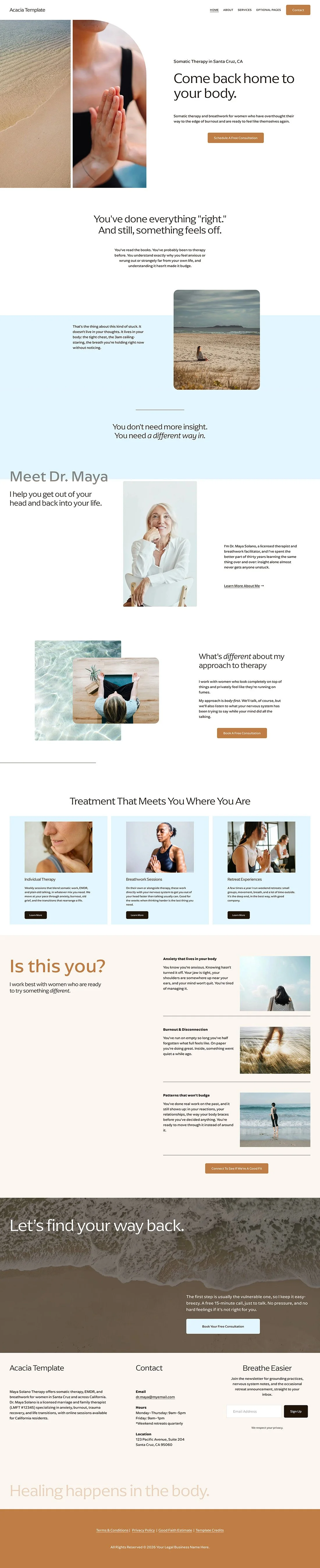
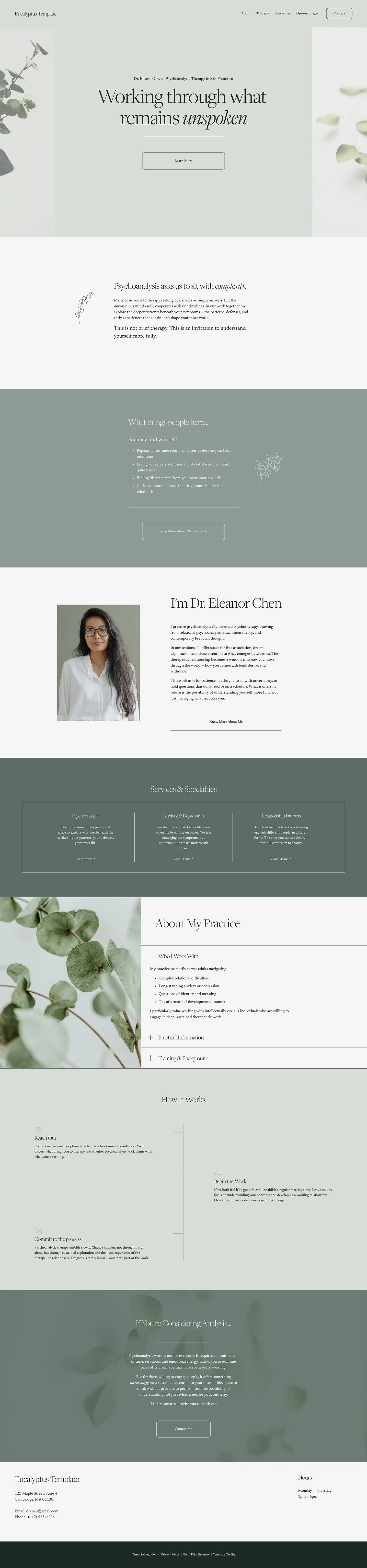
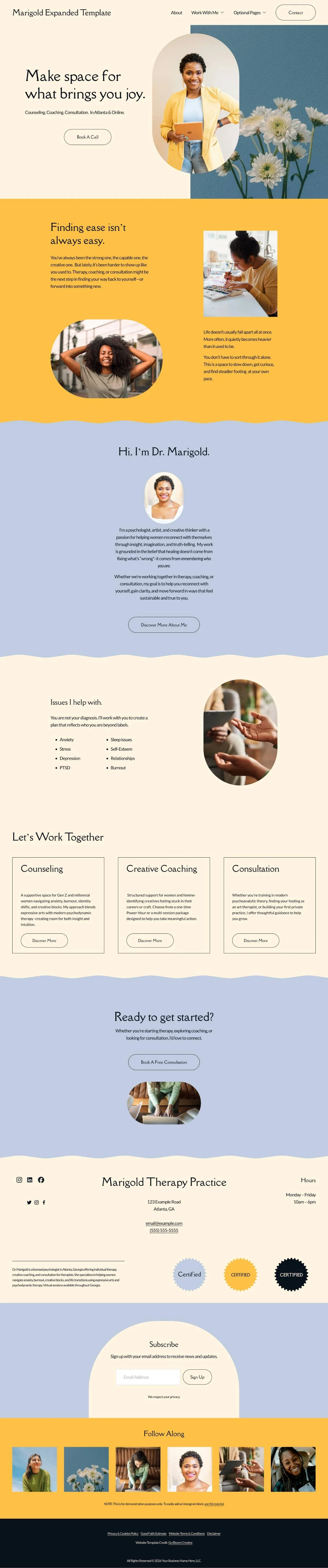
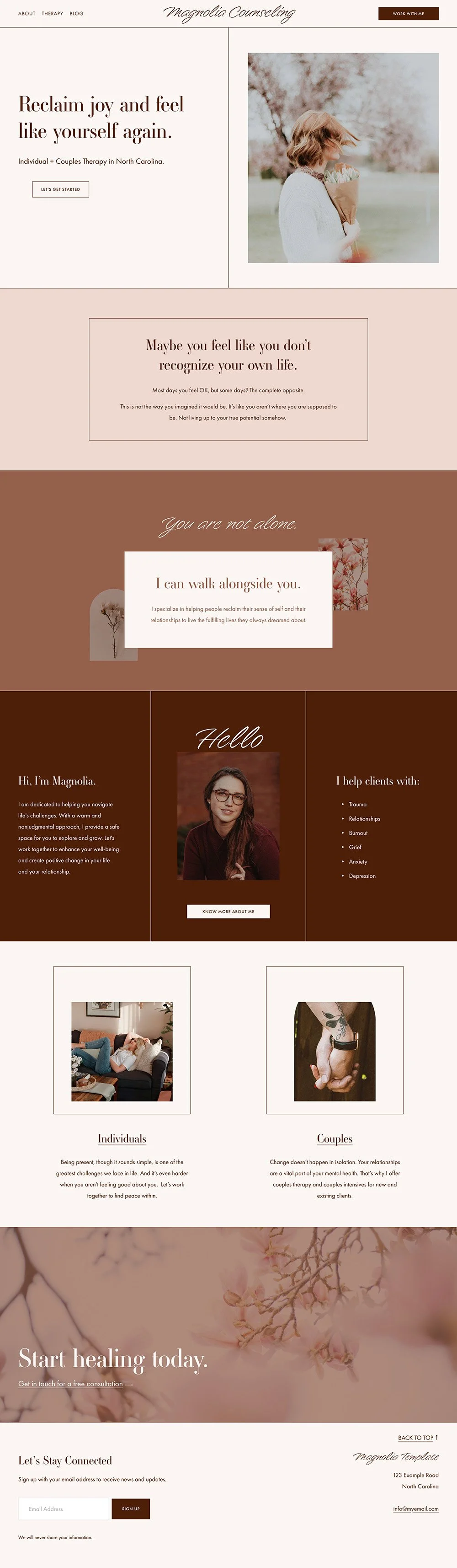
And if that's the direction you're leaning, a template built for therapists takes care of page structure from the start, which is where a lot of DIY sites struggle.
For my longer take on the platform itself, check out the post Is Squarespace Good for Therapists?
Whichever you choose, you're after the same thing: a site the right person can find and feel safe reaching out through, simple enough that you'll actually keep it up.
FAQs
-
It can be, if someone who understands web security sets it up and keeps maintaining it. Out of the box, AI-built sites often miss basics like spam protection and a secure place for form submissions to land. Separately from that, no website platform makes you HIPAA-compliant by default, Squarespace included, so you'll need a HIPAA-compliant form (or just an email address) no matter how your site gets built.
-
Absolutely not. A website platform works just as well without its AI features, and plenty of great therapy websites were built without any AI at all.
-
Basic or Core covers what most therapy practices need. The higher plans add selling features you likely won't use. Check current pricing before you sign up.
Resources and Credits
Becca Harpain, Think Inside the Square, episode 96: Before You Cancel Squarespace: What It Really Takes to Host a Site Yourself. I’m a regular listener to her podcast, and the “builder-versus-platform idea” was an absolute light bulb moment for me while walking the dog the other day and inspired me to write this post. If you want to learn more about Squarespace, Becca is my go-to.
Rache De Luna, Squarestylist: Can AI build a website? Her side-by-side test of Lovable, Claude, and Squarespace, with much more technical detail than I've included here. Her post was sponsored by Squarespace, which she discloses up front. Rache, to me, is a visionary, a mentor, and inspirational in the ways she is pushing the boundaries of coding and design AND infinitely generous in sharing her knowledge and talent.