Building a Therapy Website? Start Here.

If you’re just getting started with making a website for your private practice all the advice probably feels overwhelming. After spending countless hours helping hundreds of therapists with their websites, I’ve noticed that therapy websites that successfully bring in clients are doing just 4 things.
This post will help you focus on the 4 things that actually matter when it comes to creating your first private practice website. They are:
Written content
Design
User experience (UX)
SEO
In each section I’ll explain what each one means and give you a resource to learn more, so you can tackle one thing at a time. Think of this post as a hub for everything you need to understand why some websites work (and why some don’t). Bookmark this page and come back to it as you work your way through.
Written Content
I’m starting with this one because this is probably the thing therapists struggle with most. And that makes sense. It's hard to step outside of something you're this close to every day and write for someone who doesn't.
The short version: write like you're having a conversation with one specific person, not addressing a general audience. Start with empathy before you explain what you do. Use your client's words, not clinical language. And make sure every page ends with a clear next step.
For the full guide:
Want more help writing your website content?
If you are really stuck on this part, and you have been for awhile, check out Bloomy, my AI therapy website writing assistant that is trained on all of the above, as well as SEO/AIO best practices to help you finally create website content for your site.
Design
Good design for a therapy website doesn't mean it has to look like a professional design portfolio. It just has to be visually organized, easy to read, and consistent. Your design should support your content rather than compete with it.
The principles that matter most: white space, balance, consistency in your design choices, and photography that actually connects to who you are and who you serve. These apply whether you're DIYing or working with a designer.
For a full walkthrough (including a before/after video using a real template, real client examples, and a checklist for each principle) check out this resource:
Therapy website design for non-designers: what works, what doesn't, and why →
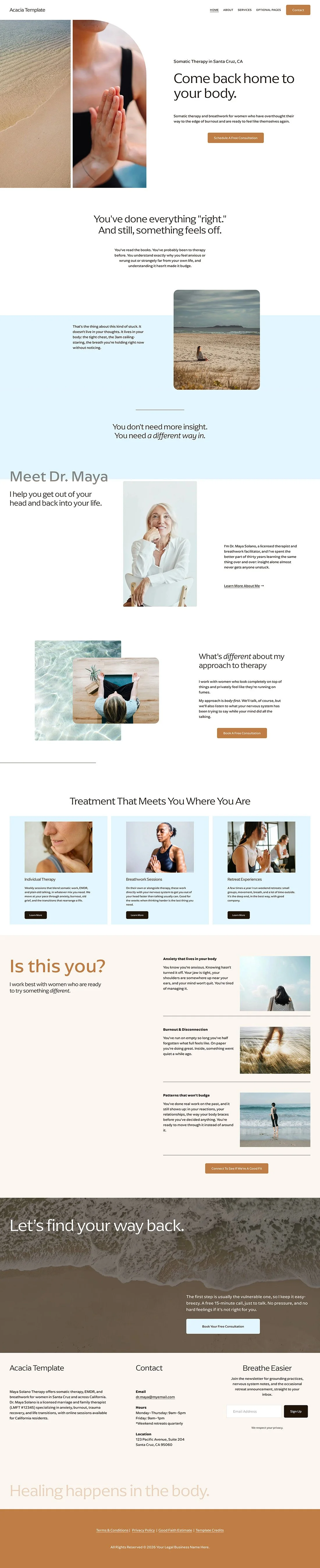
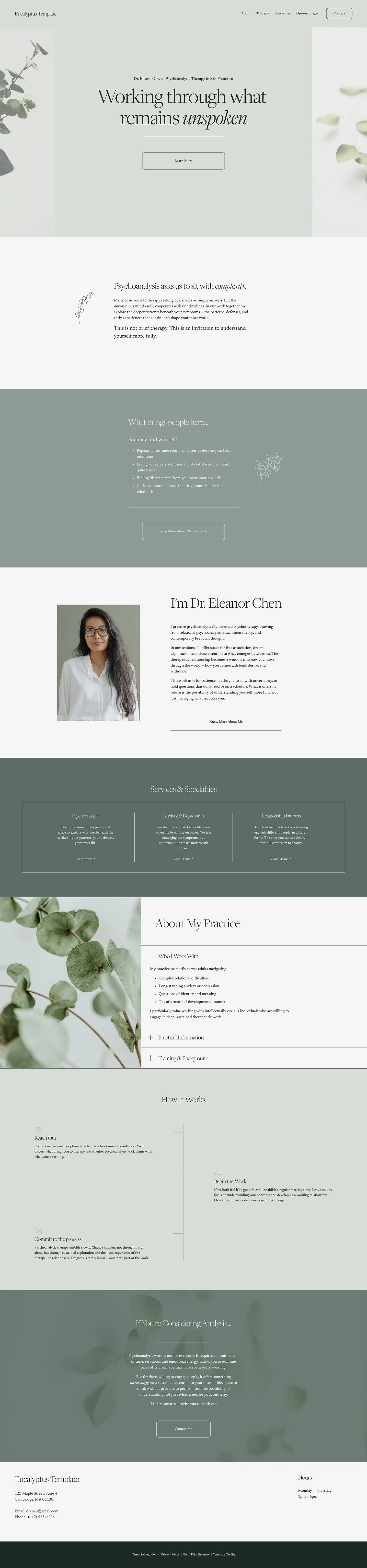
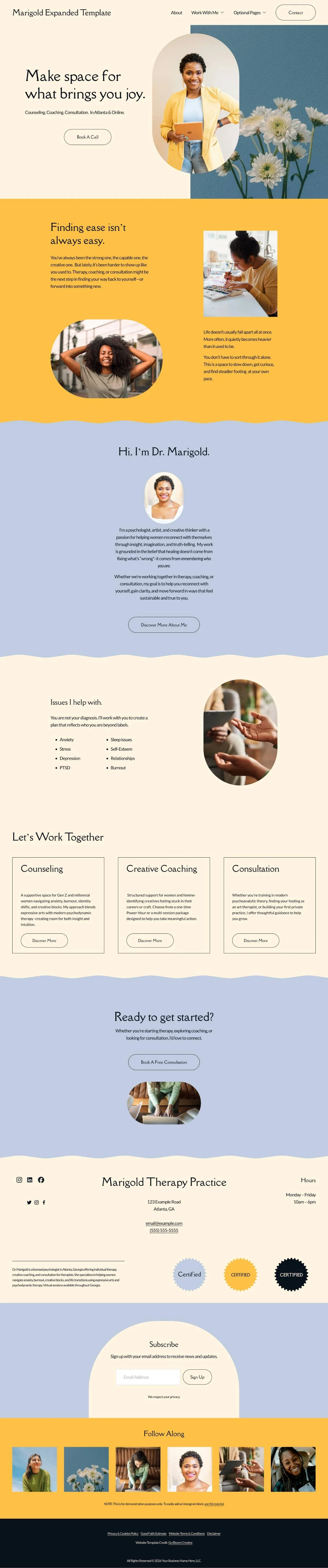
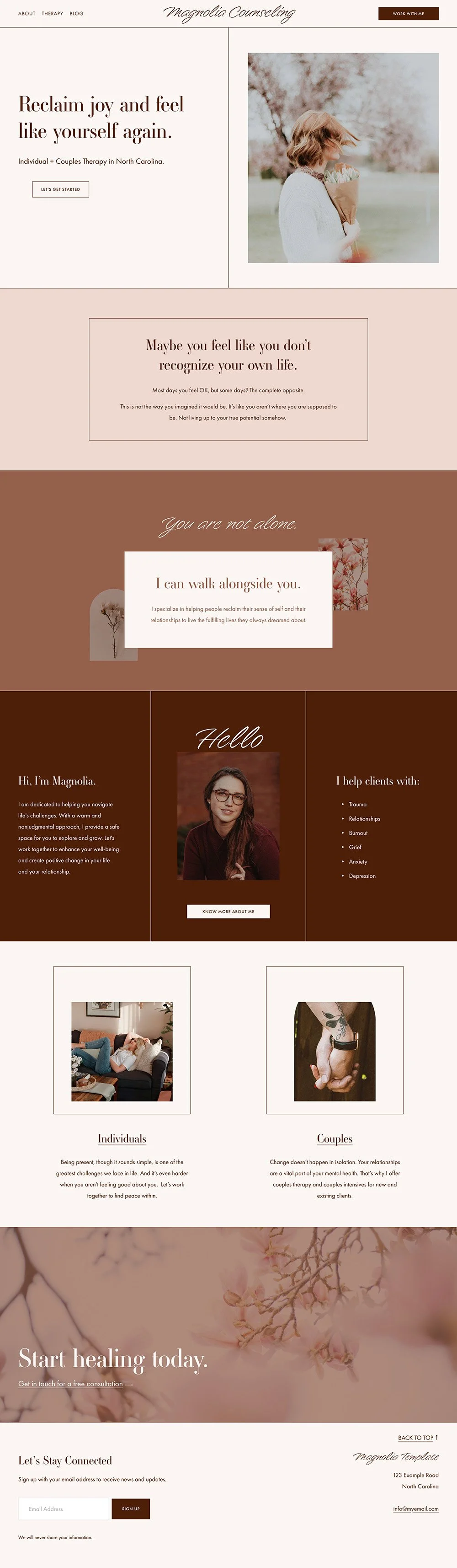
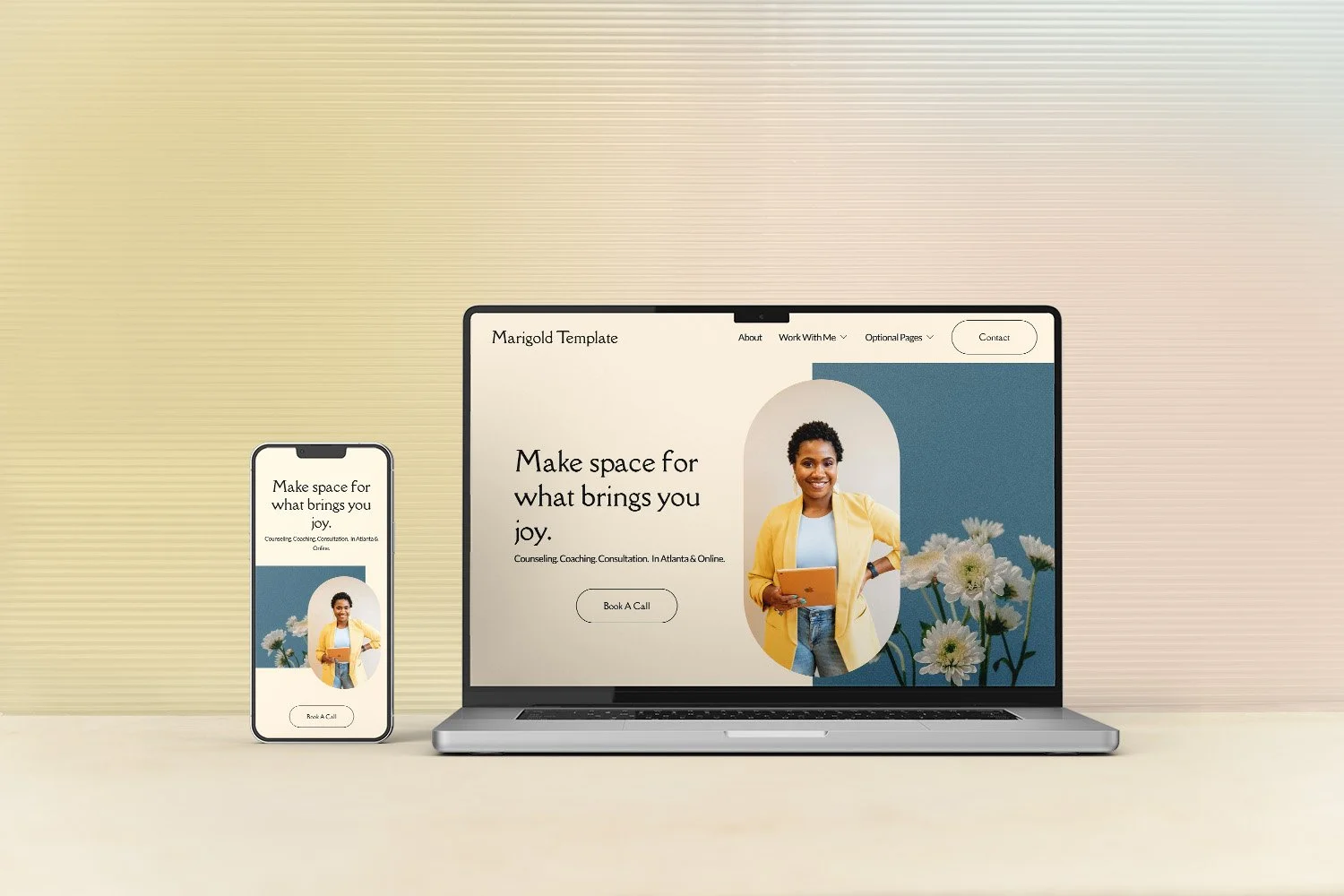
Website templates are a great option to help you have a site that looks professionally designed, without paying for a designer.
Websites are pre-designed websites. You can change colors, fonts and photo, swap in your content, and have something that looks completely your own, but still more polished than you might be able to do on your own. To learn about different website templates and see if one is right for you:
The best Squarespace templates for therapists (reviewed by a former therapist) →
User Experience
User experience (or UX) is a fancy way of saying: how easy is your website to use?
When someone lands on your site, they need to be able to find what they're looking for without thinking too hard about it. That means clear navigation, obvious next steps, and a site that doesn't make visitors work to figure out what you do or how to reach you.
This is one of the most overlooked aspects of therapy websites — and one of the most fixable. Navigation problems are usually quiet. You won't see people leaving in real time. You'll just notice that people aren't reaching out the way you'd expect.
For the full breakdown — main menu best practices, homepage strategy, how to use calls to action throughout your site, what your footer should actually do, and a complete pre-publish checklist — head here:
Why clients leave your therapy website without booking (and how to fix it)→
SEO
Here's the truth about SEO: SEO has no tricks and no hacks. Nothing will get you overnight results, and anyone who says otherwise is selling something. It takes time. It's an ongoing process, not a one-time setup.
The good news? You can understand it, and you can do it.
I’m going to cover two main categories of SEO here: Content SEO and Technical SEO. Both are less scary than they sound, promise.
Content SEO
Write content that's useful and relevant to your audience , both on your main website pages and on your blog if you have one. This sounds obvious, but the point is that trying to write content purely for SEO actually backfires these days-write to answer real questions and you’ll be on the right track
Organize your site clearly so visitors can find what they need. Search engines track how long people stay and whether they click through to other pages
Consider a separate page for each modality or specialty. More pages means more opportunities to demonstrate your expertise and show up in search
Show that you're a real person and a real business. Credentials, location, photos of you, a map, links to directories–these all add up as trust signals for both search engines and people
Get other sites to link to yours. Podcast appearances, directory listings, professional organization memberships–these all count as mentions, and mentions build authority
Use keywords people are actually searching for, placed naturally within your content and page descriptions, Naturally is key here. If it reads awkwardly because you were trying to stuff in keywords, this will count against you.
Write a meta description for every page (up to 160 characters). It tells search engines what the page is about and helps people decide whether to click
Follow accessibility best practices, accessible websites rank better and are better for everyone
Keep content fresh. A site that looks abandoned won't be served in search results. Even small updates count
Technical SEO
Make sure your site loads quickly. Large images are the most common culprit — aim for under 250KB.
Keep fonts to two maximum and minimize third-party plugins
Check for broken links regularly
Set external links to open in a new tab so visitors aren't navigated away from your site
Connect to Google Search Console so Google knows to index your site and you can see how people are finding you
SEO Tools I Recommend
If you have a Squarespace site, SEOSpace* is the tool I use on my own website. It scans your site against every best practice, explains exactly what to fix, and helps with keyword research, page descriptions, and ranking data.
Don’t use Squarespace? Here are some other tools to help DIY your SEO:
If you've been wondering how AI search is changing things for therapists:
Does SEO still matter in the age of AI? What therapists need to know→
More Therapy Website FAQs
-
Short answer: no.
First, remember than no single thing will make or break your SEO. The common wisdom around video is that it's good because it keep people on your page longer, but here's the caveat:
If you are uncomfortable in front of a camera and your video feels uncomfortable people aren't going to watch it.
So then it is not really doing you any favors, in more than one way.
If you are comfortable on camera (and you don't have be winning any Oscars, I just mean reasonably comfortable) then go for it! It's a great way for clients to get to know you.
But if you're not, don't stress over it. Spend your time on something else.
-
Essential pages for a therapist website are:
Homepage (with an overview of your services)
About Me page (the second most visited page)
Separate pages for each service or specialty you offer
Contact page
Blog (if SEO is a priority for your marketing strategy)
-
Avoid these common mistakes:
Using overly clinical language or insider jargon
Neglecting to include clear contact information
Neglecting to include where you are licensed to practice!
Having a slow-loading website
Using low-quality or irrelevant images
Failing to update your website regularly
Not making your website mobile-responsive
Where to start
If you've read this far and you're not sure which of these to tackle first, here's a simple way to triage:
People aren't reaching out the way you'd expect? Start with navigation. Why clients leave your therapy website without booking
Your site looks "off" but you can't say why? Start with design. Therapy website design for non-designers
People are finding you but not reaching out? Start with written content. Review your homepage and about page through the tips above.
People aren't finding you at all? Start with SEO. Connect to Google Search Console, check your meta descriptions, and consider the tools listed above.
Your client's relationship with you starts long before they sit across from you. Your website is where that relationship begins. You just have to show up thoughtfully.
And if you want a head start with the structure, design, and navigation already done for you, that's exactly what my Squarespace templates for therapists are built to do.